


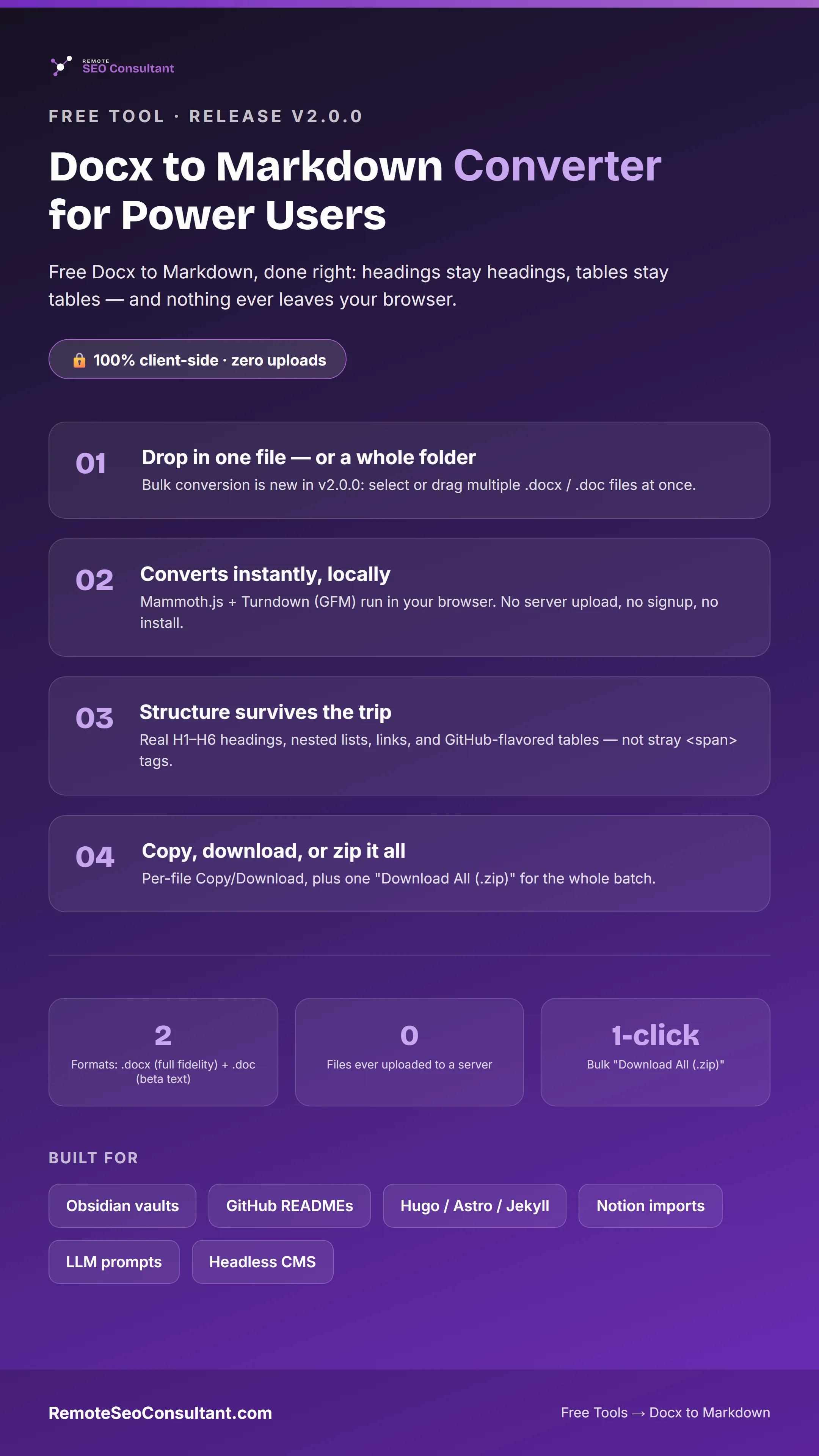
Docx to Markdown Converter for Power Users just shipped v2.0.0: bulk conversion (drop in a whole folder), best-effort legacy .doc support, and a one-click "Download All (.zip)" button. It's still my free Docx to Markdown tool, 100% client-side, and nothing ever gets uploaded to a server.
Why I Built the Bulk Converter
I use this tool constantly for my own SEO and web dev work: migrating client docs into static-site repos, pulling Word-based briefs into Markdown for LLM prompts, cleaning up old Confluence exports. The single-file version worked fine for one-off conversions. But every time I had an actual migration on my hands (a whole folder of specs, a wiki export, a stack of old blog drafts) I was dragging files in one at a time, copying the output, and repeating it twenty or thirty times.
That's a chore, not power-user tooling.
So v2.0.0 of the Docx to Markdown Converter for Power Users fixes exactly that gap. A folder-migration job becomes a single drag-and-drop and a single download. The core conversion engine didn't change: headings still stay headings, tables still stay tables, and the output is still the strict, semantic Markdown I built the original tool to produce. I just stopped making you repeat the same three clicks for every file.
What's New in v2.0.0
1. Bulk Conversion — Drop in a Whole Folder
The upload zone now accepts multiple files in one action. Drag a folder's worth of .docx files in, or hold Ctrl/Cmd and click-select several from the file picker. Each file gets converted independently and lands in its own result card, with its own Copy and Download .md buttons, so a bad file in the batch never blocks the good ones.
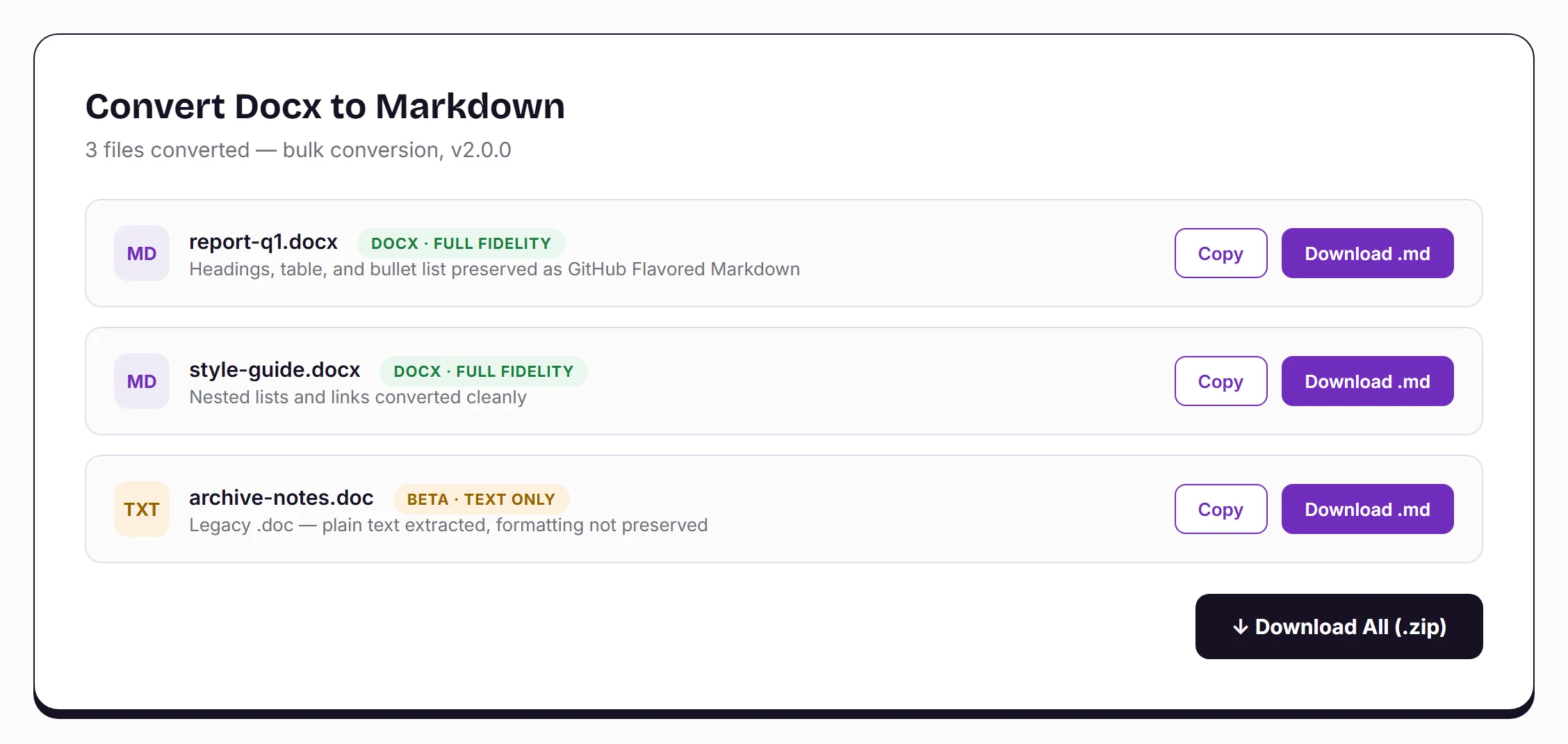
This is the single most-requested change from people using this as a bulk docx to markdown converter for real migration work: moving a whole Word-based wiki or a folder of specs into a Jekyll, Hugo, or Astro repo, a GitHub docs/ directory, or an Obsidian vault, without babysitting one file at a time.
2. Legacy .doc Support (Beta, Honestly Labeled)
The original tool only accepted .docx, the modern zip-of-XML format that mammoth.js (the library doing the heavy lifting) actually understands. Old .doc files (Word 97–2003) are a completely different binary container, and there's no small, dependency-free JavaScript parser that can reliably read that format the way mammoth.js reads .docx.
Rather than fake full fidelity or silently produce garbage, I added a raw-bytes UTF-16LE text extraction path specifically for .doc files. It recovers readable plain text, but it does not preserve headings, lists, tables, or styling. Every .doc result is tagged "Beta — text only" directly in the UI, so you always know exactly what you're getting before you copy or download it.
If you need full-fidelity conversion and you're starting from an old .doc file, open it in Word or LibreOffice, use "Save As → .docx," and drop the resaved file in instead. That round-trip takes ten seconds and gets you back the complete headings/lists/tables pipeline.
3. Download All (.zip)
Once two or more files finish converting, a "Download All (.zip)" button appears at the bottom of the results list. Click it, and JSZip (running entirely in your browser, same as everything else here) bundles every converted .md file into one archive. No server round-trip, no waiting on an upload queue.
How to Convert Docx to Markdown (Step-by-Step)
The core workflow hasn't changed shape. It's just faster now for anyone converting more than one file.
Step 1 — Open the tool. Go to the Docx to Markdown Converter. No account, no signup screen.
Step 2 — Drop in your file(s). Drag one .docx, or select a whole batch of .docx and .doc files, into the dashed upload area. Exporting from Google Docs first? Use "File → Download → Microsoft Word (.docx)," then drop that file in. Google Docs doesn't export clean Markdown on its own.
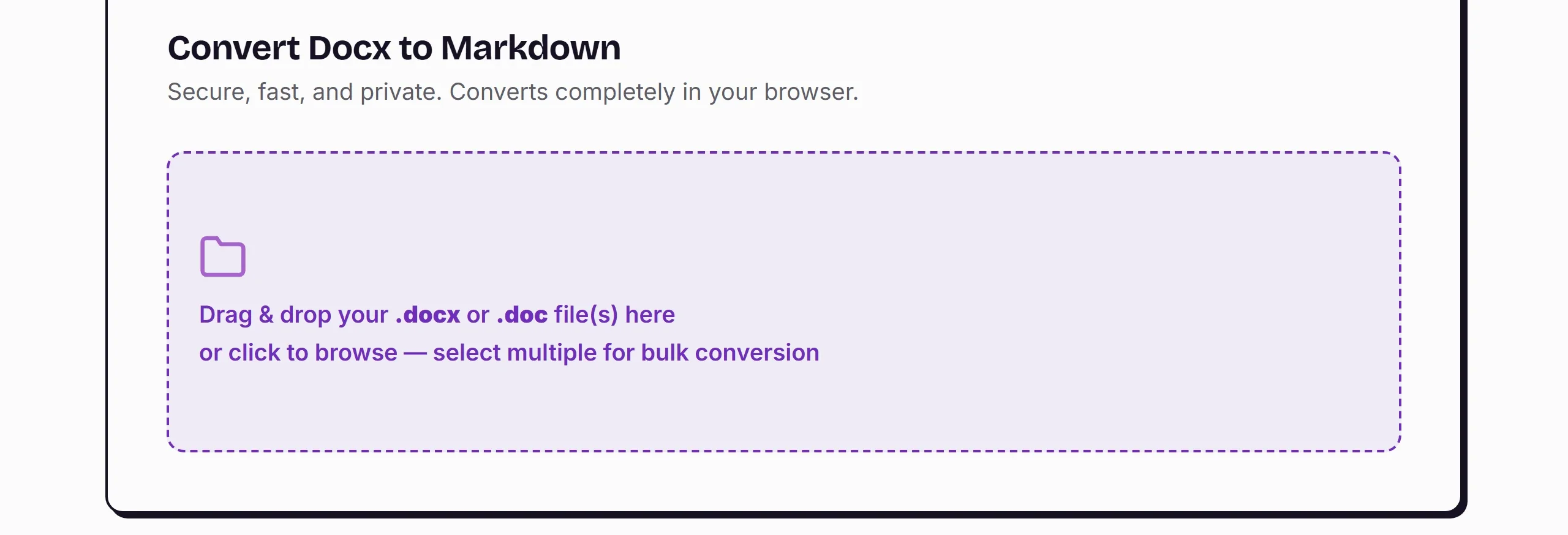
Step 3 — Let it convert, locally. Each file processes immediately in your browser using mammoth.js and Turndown with the GitHub Flavored Markdown plugin. There's no upload progress bar because there's no upload. Everything stays on your device the whole time.
Step 4 — Review the result cards. Every file gets its own card: a fidelity badge (.docx = full fidelity, .doc = beta text-only), the converted Markdown preview, and Copy / Download buttons specific to that file.
Step 5 — Copy, download, or zip. For a single file, hit Copy to grab the Markdown straight to your clipboard, or Download .md for the file. For a batch, hit Download All (.zip) once and get everything at once.
What Actually Survives the Conversion
Here's what carries over, structure by structure:
- Heading structures (H1–H6), mapped from Word's real heading styles, not inferred from bold text or font size.
- Numbered and bullet lists, including nested indents.
- Tables, converted to GitHub Flavored Markdown table syntax. This is where most competing converters fall apart on merged or multi-line cells.
- Text styling: bold, italics, strikethrough.
- Hyperlinks and anchor text, kept as working Markdown links.
- Blockquotes and callouts.
What it deliberately does not try to preserve: custom margins, line spacing, font colors, or any other purely visual Word formatting. That's the design, not a limitation. A converter that tries to replicate every visual property ends up dumping inline <span> and <div> tags into your Markdown to fake it. This one maps structure to structure and drops the rest. That's what makes the output clean enough to paste straight into a CMS, a README, or an LLM prompt without a cleanup pass.
Who This Release Is Actually For
The bulk converter and .zip export exist because of how real power users were already using v1. Obsidian and Joplin users migrate a folder of old Word notes into a vault in one pass instead of one file at a time. GitHub contributors and technical writers convert a stack of Word specs into docs/ READMEs for an open-source repo, and static site builders on Jekyll, Hugo, or Astro move a whole content folder from Word into Markdown source files ahead of a migration.
AI prompt engineers need clean, token-efficient text out of a batch of Word documents before feeding them into ChatGPT or Claude, without bloated background markup burning context. CMS content managers prep a batch of drafted articles for a headless platform in one sitting instead of a dozen separate copy-pastes.
Frequently Asked Questions
Does this replace the single-file converter?
No. Single-file conversion works exactly the same as before. Bulk mode simply activates automatically when you select more than one file.
Is the .doc support as good as .docx?
No, and I labeled it that way on purpose. .docx conversion is full-fidelity, unchanged from v1. .doc is best-effort plain-text extraction only: headings, lists, and tables are not preserved. Resave as .docx in Word first if you need full structure.
Does bulk conversion upload my files anywhere?
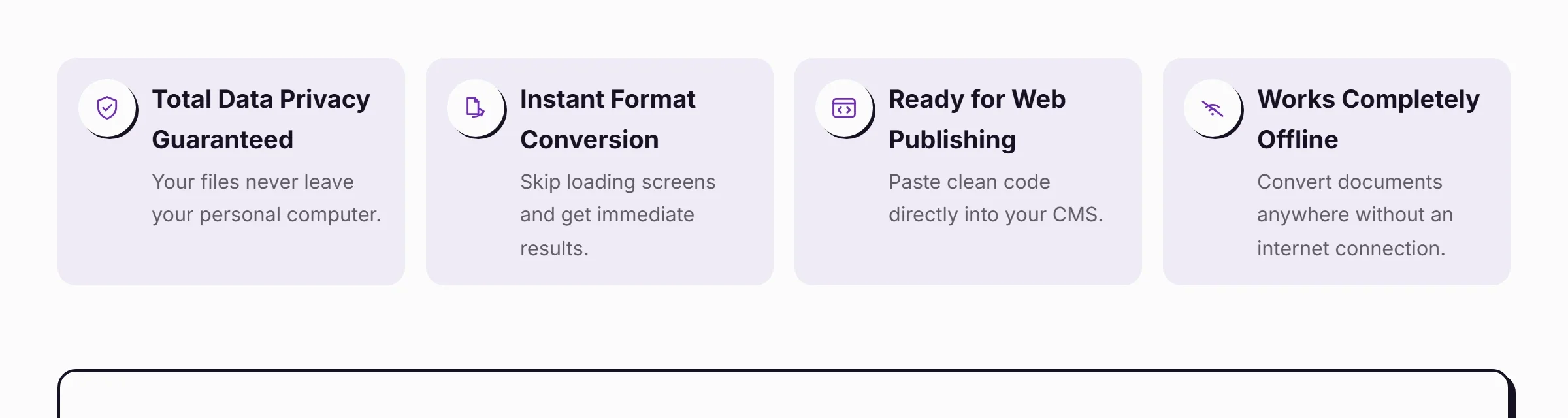
No. Every file, whether it's one or a hundred, converts entirely in your browser using JavaScript running on your device. Nothing is sent to a server, tracked, or stored, in single-file or bulk mode.
What's actually in the .zip file?
One .md file per successfully converted document, named to match the original file.
Do I need an internet connection after the page loads?
No. Once the page and its libraries have loaded, conversion (bulk or single) works completely offline.
Sponsorship Placements Are Open
I run a small number of sponsorship spots directly on the Docx to Markdown Converter page for brands that want to reach a genuinely technical, high-intent audience. Same first-come, first-served terms as every other placement I offer, and no tier upgrade can jump the queue. If that's relevant to you, follow the Sponsored Placements button in the site footer to start the conversation.

Try the v2.0.0 Release
If you've used the single-file version before, the upgrade is invisible until you need it: drop in one file and nothing changes. Drop in a folder, and you'll see exactly why I built v2.0.0 the way I did: the Docx to Markdown Converter for Power Users.
